Running DOOM on my TOMTOM
 Jonas
Index
How I came up with this idea
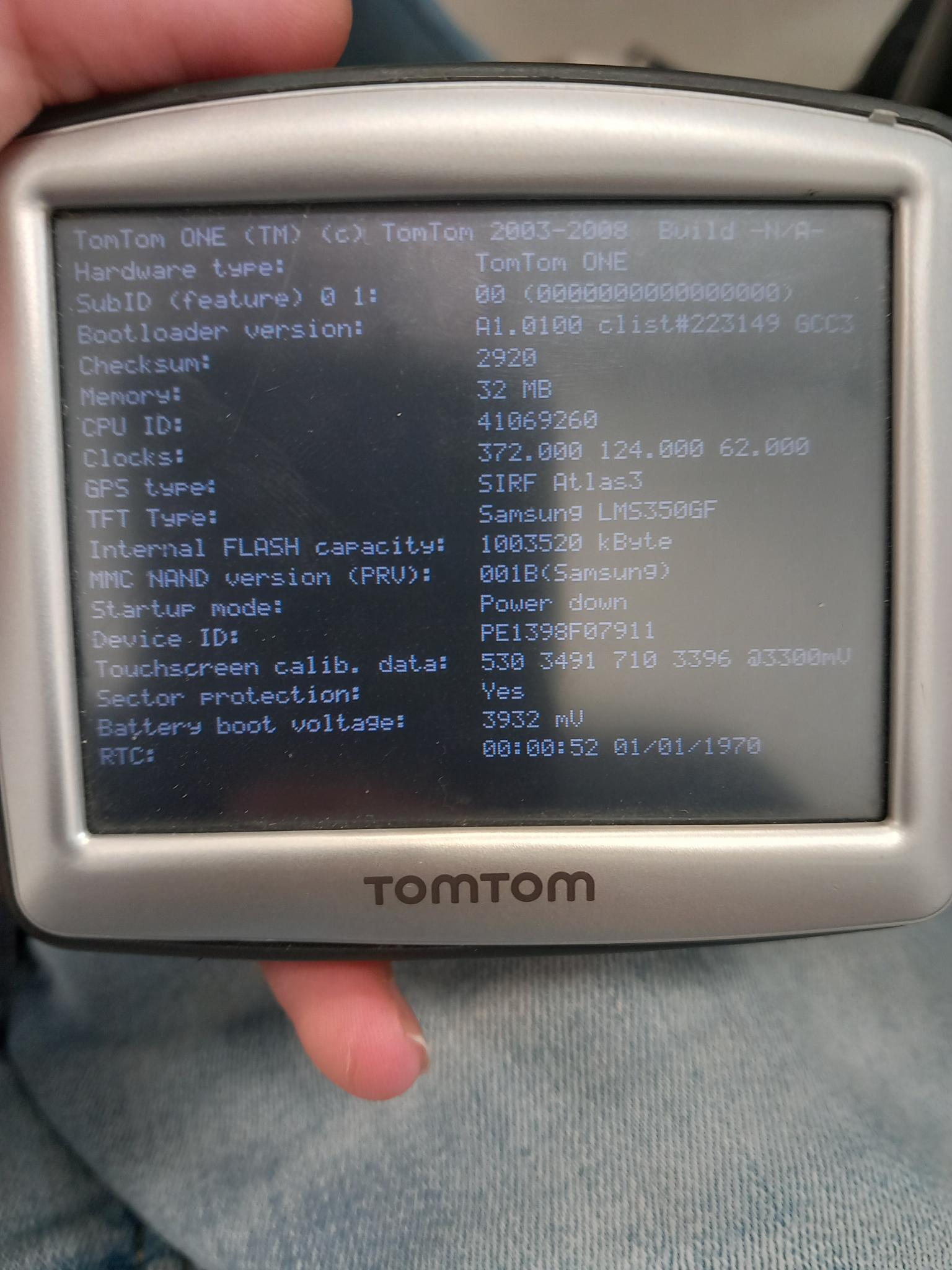
A little while ago, I found a bin with TomTom navigation systems at my local thrift store. I was interested in them. "Maybe I can run custom software on them," was what I thought, and I was right! A TomTom is basically just a small Linux device with a touchscreen, a big speaker and a power-on button, that's it. The first one I bought was the TomTom ONE v8:
How do I run custom software?
I found out that on boot it starts "PNDNavigator", this is just an executable file with the original navigation software, you can simply replace that file with your own software. I made a launcher for PrBoom in C, more about that later.
For some reason I wanted to look inside the device, stupid me, I broke the touchscreen while opening it. So I bought a new TomTom, this time the ONE IQ ROUTES, looks the same, but different colors, and the hardware is a little different.
Hardware limitations
Getting PrBoom running on this older device turned out to involve quite a few hardware and software limitations. Several things that would normally work out of the box on a Linux system were either missing or behaved differently on this target.
Framebuffer
One of the first issues was the framebuffer device. Although the s3c24xx-lcd driver was there, /dev/fb0 just did not exist. I worked around this by making the launcher create the device node automatically using the major and minor numbers from /sys/class/graphics/fb0/dev.
The device also doesn't have a working virtual terminal or console subsystem. Device nodes such as /dev/tty0 and /dev/console exist, but opening them fails because the kernel has no VT driver behind them. SDL normally sees this as a fatal error when initializing its framebuffer console driver. I patched SDL to make this failure non-fatal, allowing PrBoom to continue without keyboard input. This project uses tslib for touchscreen input, a keyboard is not needed anyway. The TomTom doesn't even have one.
Another problem was the framebuffer's fixed display mode. The hardware only supports 320×240 pixels at 16 bits per pixel using RGB565, while PrBoom normally requests an 8-bit paletted framebuffer at 640×480. Because of that, this happened:
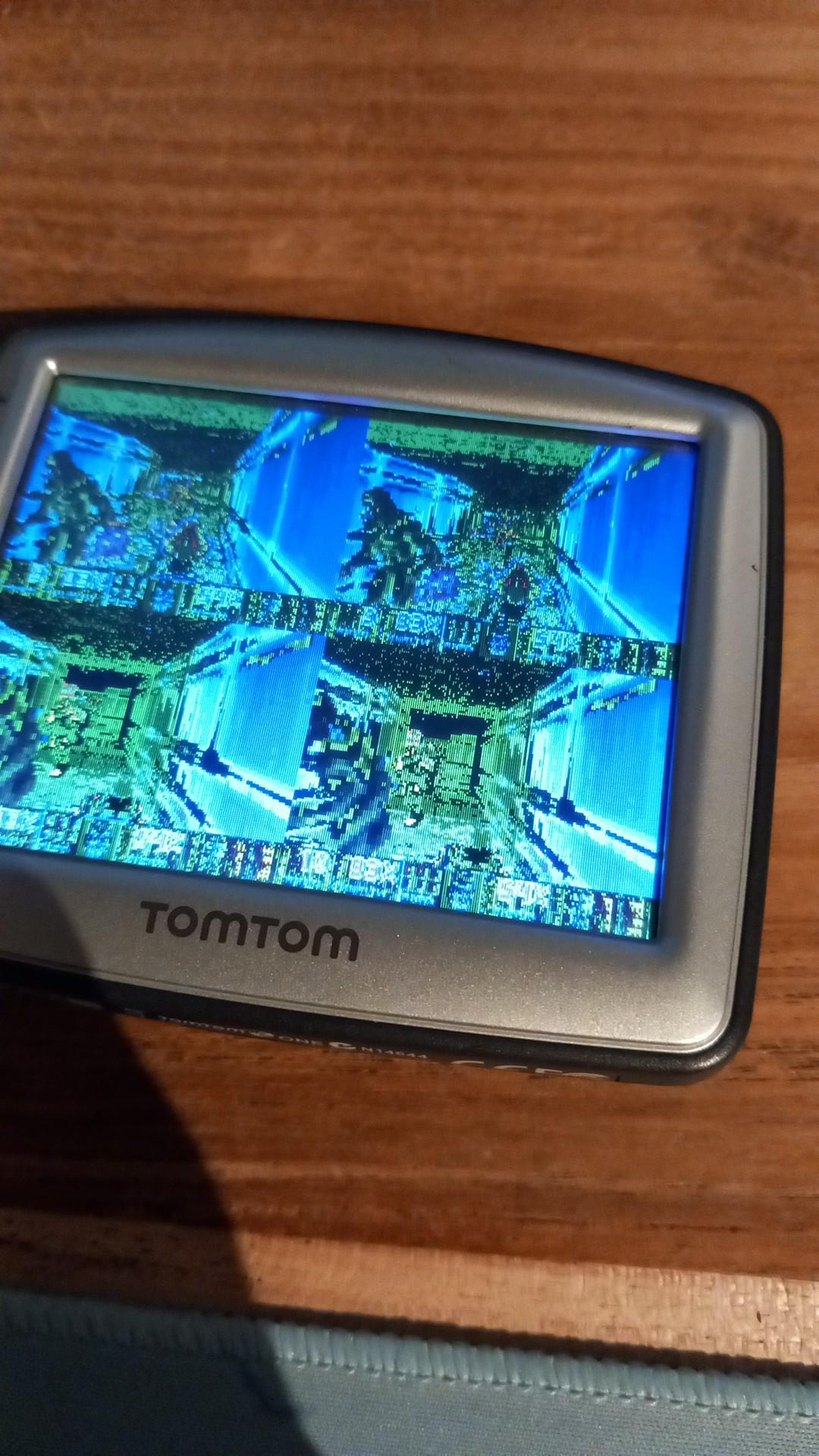
To fix this, I modified the video initialization to fall back to the mode already supported by the hardware whenever FBIOPUT_VSCREENINFO fails. I also configured PrBoom to use 320×240 directly, avoiding random and unnecessary mode changes.
Input
To get input working, I faced some problems too. I found out that the touchscreen reports raw coordinates in the range of 0–1023 rather than the commonly assumed 0–4095 after I used a simple tslib testing program. Its axes are also mirrored relative to the display. By measuring the actual values with EVIOCGABS(ABS_X), I found out that the usable ranges are 92–953 for X and 70–925 for Y. I used those measurements for the touchscreen input code to map touch positions to the correct screen coordinates.
Audio
Audio was actually really easy. The device has no ALSA subsystem or /dev/snd devices, but it does have an OSS-style /dev/dsp. PrBoom's SDL audio backend can use OSS, so no additional audio patches were necessary. But only doing this only gives you sound effects, and no music.
Music
Music was a bit harder. PrBoom normally uses SDL_mixer and TiMidity, which need too much memory and CPU for this ~200 MHz ARM9. I added a small custom MUS synthesizer in tt_music.c instead. It uses 14 voices, integer-only audio processing and mixes music directly with the sound effects, so no extra audio device is needed. It isn't accurate OPL emulation, but it lets the game play music without the heavy dependencies.
Compiling issues
There were also a few cross-compilation issues to solve. The target's glibc version is 2.3.2, while the toolchain's libgcc_s.so.1 requires GLIBC_2.4. Linking SDL and PrBoom with -static-libgcc avoids that dependency. PrBoom's configure script also needed --disable-sdltest, because its test program cannot be executed on the build machine when cross-compiling, and --disable-gl, because the target does not have OpenGL support.
Finally, I discovered that recompiling i_video.c alone was not enough to update the final executable. Its object file is stored inside SDL/libsdldoom.a, so the archive must also be updated using ar and ranlib before linking PrBoom. The build script now handles this automatically.
The result
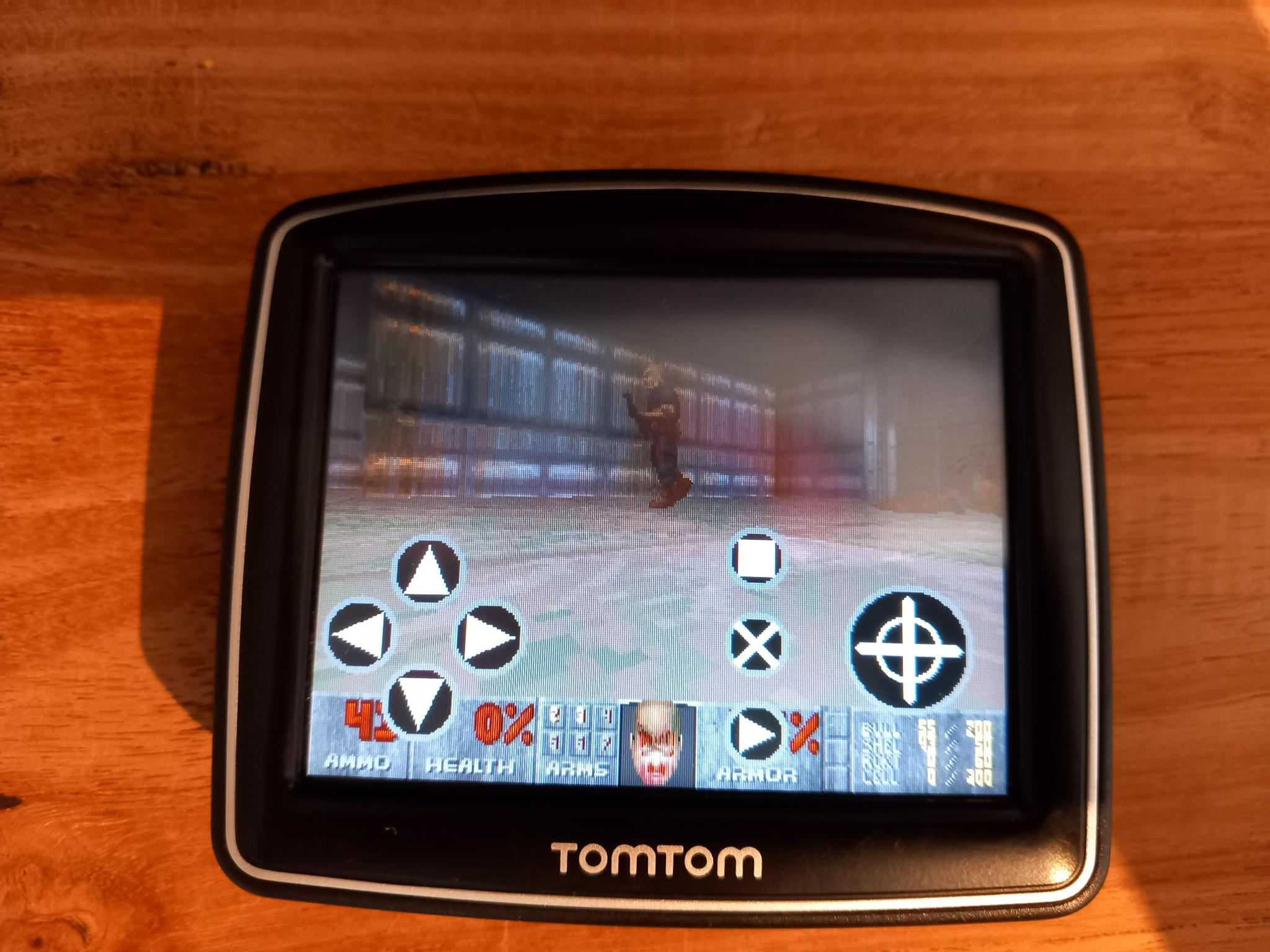
After all these fixes, I managed to get PrBoom running on the TomTom ONE IQ ROUTES, including sound effects, music and touchscreen input. It just started as an idea after finding some old navigation systems at a thrift store. But at the end it became a fun project. And the best parts is that I can now play Doom on a TomTom navigation system!
#doom #hacking #hardware #tomtom
Last updated: